Article
Jan 25, 2025
Preventing Phishing Attacks: A Practical Guide for Small Business
Want to automate your workflows and boost productivity? We’ve compiled a list of five powerful AI tools that can help you optimize operations, enhance customer interactions, and improve overall business efficiency.
At Vigilant Sec, we see every day how small businesses are facing increasingly sophisticated phishing attacks.
Phishing may be a familiar term, but it’s still one of the most common ways attackers breach small businesses. Stolen credentials often lead to lost data, account takeovers, and even ransomware.
Common sense alone can’t stop every attack.
That’s why Vigilant Sec encourages every business to adopt layered defenses against phishing. When we protect customer environments, we tend to assume one thing: your users’ passwords will be stolen.
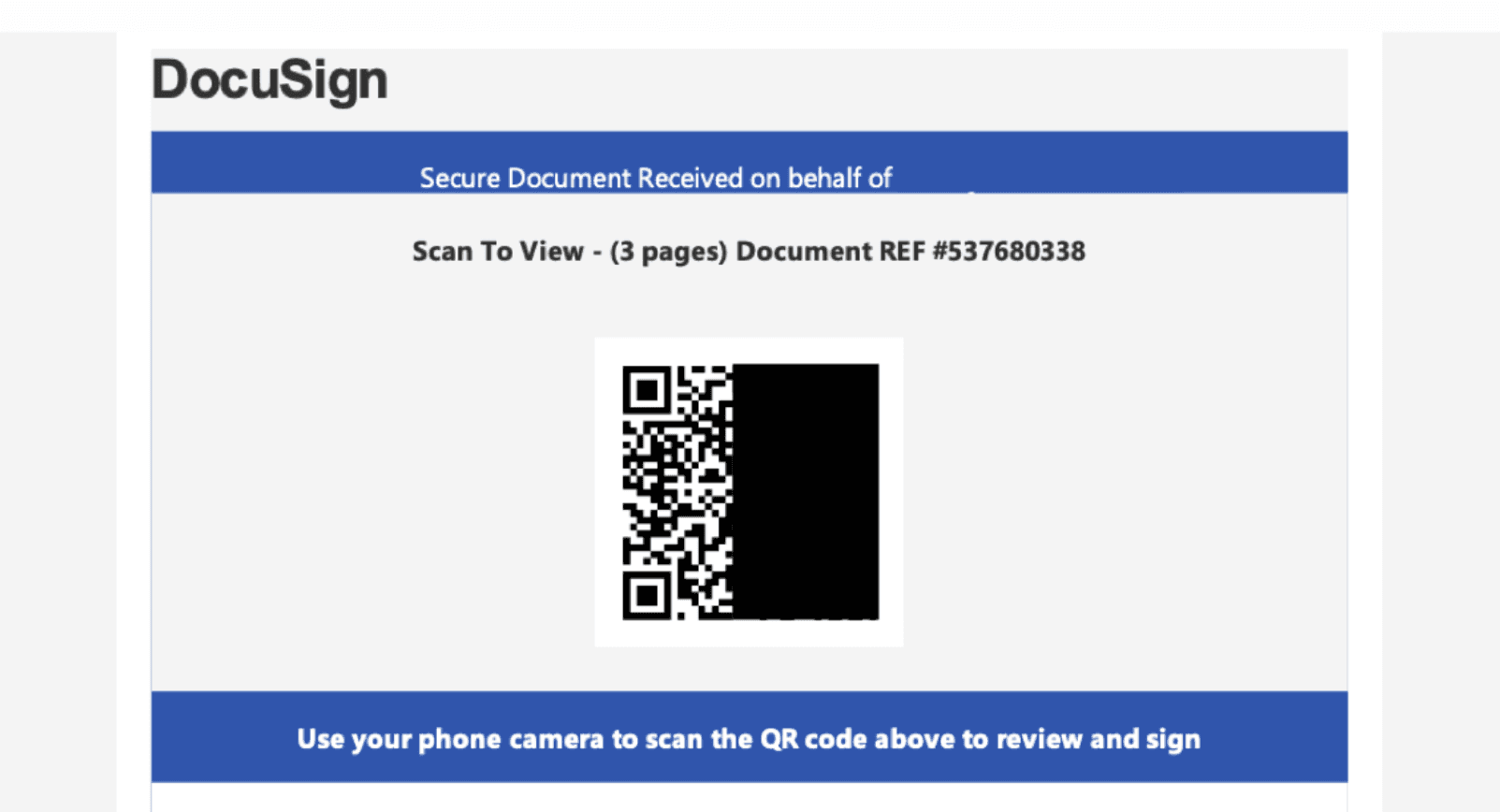
Some phishing emails hide malicious links as QR codes, which circumvent detections and lead users to expose their mobile devices to phishing platforms.
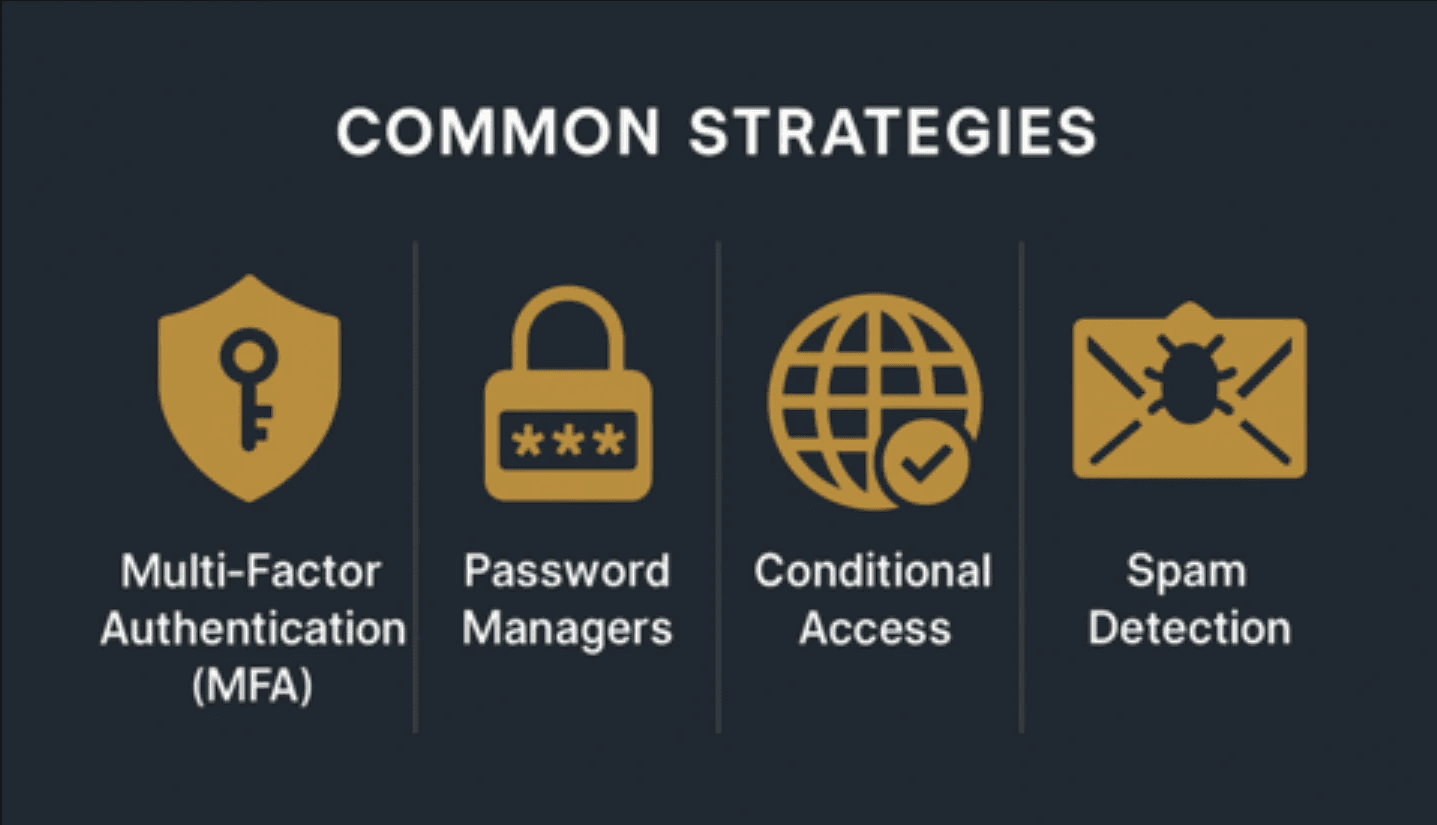
Common Anti-Phishing Strategies: Benefits and Challenges
Strategy | Benefit | Challenges |
|---|---|---|
Multi-Factor Authentication (MFA) | Confirms identity beyond passwords | Phishing tools can steal both password + MFA
|
Password Managers | Reduce password reuse and avoid stolen credentials | Added cost
|
Conditional Access (M365) | Restrict logins to trusted users, devices, and locations | May limit personal device use
|
Spam Detection (Exchange/Gmail) | Blocks some phishing emails before they reach inboxes | More effective against spam
|
Email Scanning Products | Enhance Microsoft/Google filtering with additional layers | Cost + overhead
|
Phishing Prevention = Identity Protection
A strong defense against phishing combines some, or all, of the solutions above. Security training for users helps as well, but can fail as phishing continues to get more sophisticated. True phishing prevention goes further by stopping all unauthorized access.
Here’s how Vigilant Sec helps businesses shift from avoiding risky emails to protecting their entire identity perimeter.
Start with Hardening and MFA
Vigilant Sec recommends hardening, not just alerting, as the best way to defend your business against phishing. Our guided automations help teams strengthen defenses step by step, on a schedule that fits their workflow.
The result? Most attacks are stopped outright, and alerts stay focused on what matters.
Best Practices for Hardening Users Against Phishing
VigilantSec Recommends | VigilantSec Provides |
|---|---|
Use Entra Conditional Access: block legacy auth, strengthen admin controls, move users from no-MFA → phishing-resistant MFA | Automations for secure policy templates and guided rollout — helping teams understand and enable settings confidently |
Transition to stronger MFA methods: Text → App → Passkey | Visibility into user MFA usage, adoption, and readiness for stricter enforcement |
Follow CISA/SCuBA benchmarks for secure configurations | Continuous monitoring of key settings, improvement recommendations, and trend reporting |
Review stale/admin/guest accounts regularly | Automated reporting on inactive users and unused paid licenses |
Remain Vigilant About Risky Logins
It’s important to understand how long user sessions remain active in Google Workspace and Microsoft 365. By default, Google sessions last about 14 days before users are required to re-authenticate, while Microsoft 365 sessions can persist for up to 90 days, depending on app and tenant settings. That’s a long window for an attacker to maintain access if a session is compromised.
In both platforms, admins can review and managerisky users through their respective security consoles. If there’s any indication a user account may be compromised, it’s always worth revoking active sessions to cut off potential unauthorized access. Even if an attacker still has the user’s password, they’d need to phish the user again to capture a new session and complete MFA, making session revocation a quick and effective containment step.
Best Practices for Responding to Risky Logins
VigilantSec Recommends | VigilantSec Provides |
|---|---|
Create notifications for risky logins | 24/7 monitoring and investigation of all login events |
Combine native & custom detections | Extensive library of vendor, community, and Vigilant Sec detections |
Monitor password resets & device registrations | Detection coverage across authentication + post-login behavior |
Establish clear triage workflows | Custom visualization tools for unusual activity & clear summaries |
Learn vendor response actions (revoke sessions, reset passwords) | Automations for instant, high-confidence response |
Be ready for real-time judgment calls | Experience + confidence to protect without disrupting business |